learn

Automate making clips using your OpenAI account
Automate Making Clips
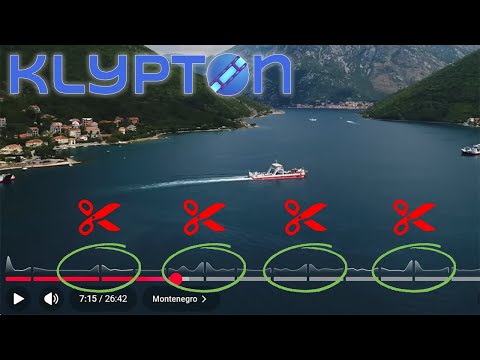
Automate making clips from YT's Most-Replayed heatmap
Automate Clips
Automate making clips with keywords and ChatGPT
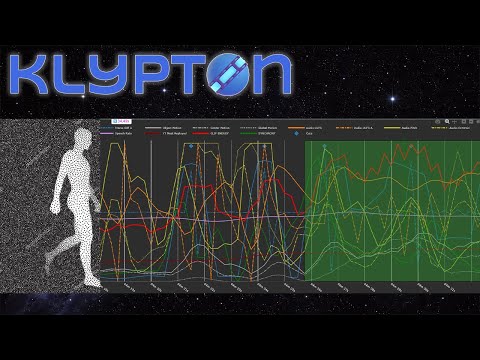
Adding Optical Flow to Scene Analysis in KLYPTON Studio
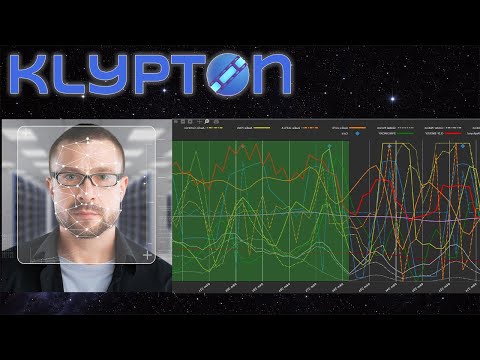
Adding Face Prominence Scene Analysis in KLYPTON Studio
Extracting AI Sentiment Analysis from Video Transcript
Power-sort Videos using Preview Mode
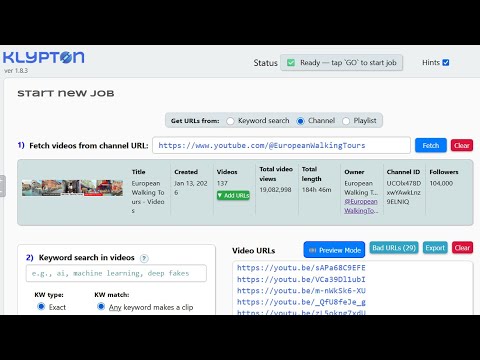
Get Cumulative Metadata from YouTube Channel or Playlist
Try Built-in Custom Scene Profile: "Call Me Zod"
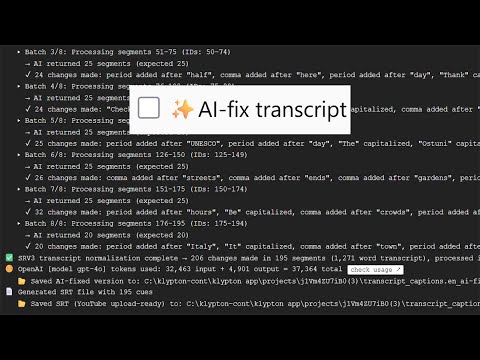
AI-Fix Your YouTube Video Captions/Subtitles

about

KLYPTON is the most advanced video/audio content analysis tool on your tiny planet.

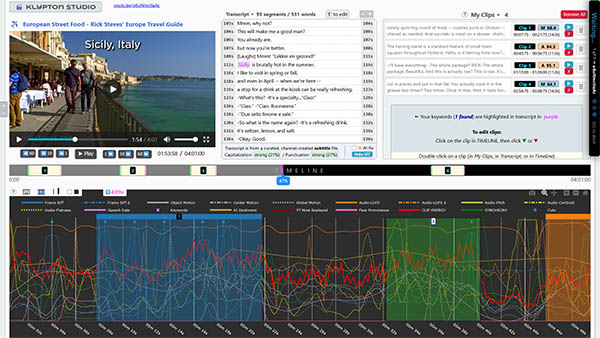
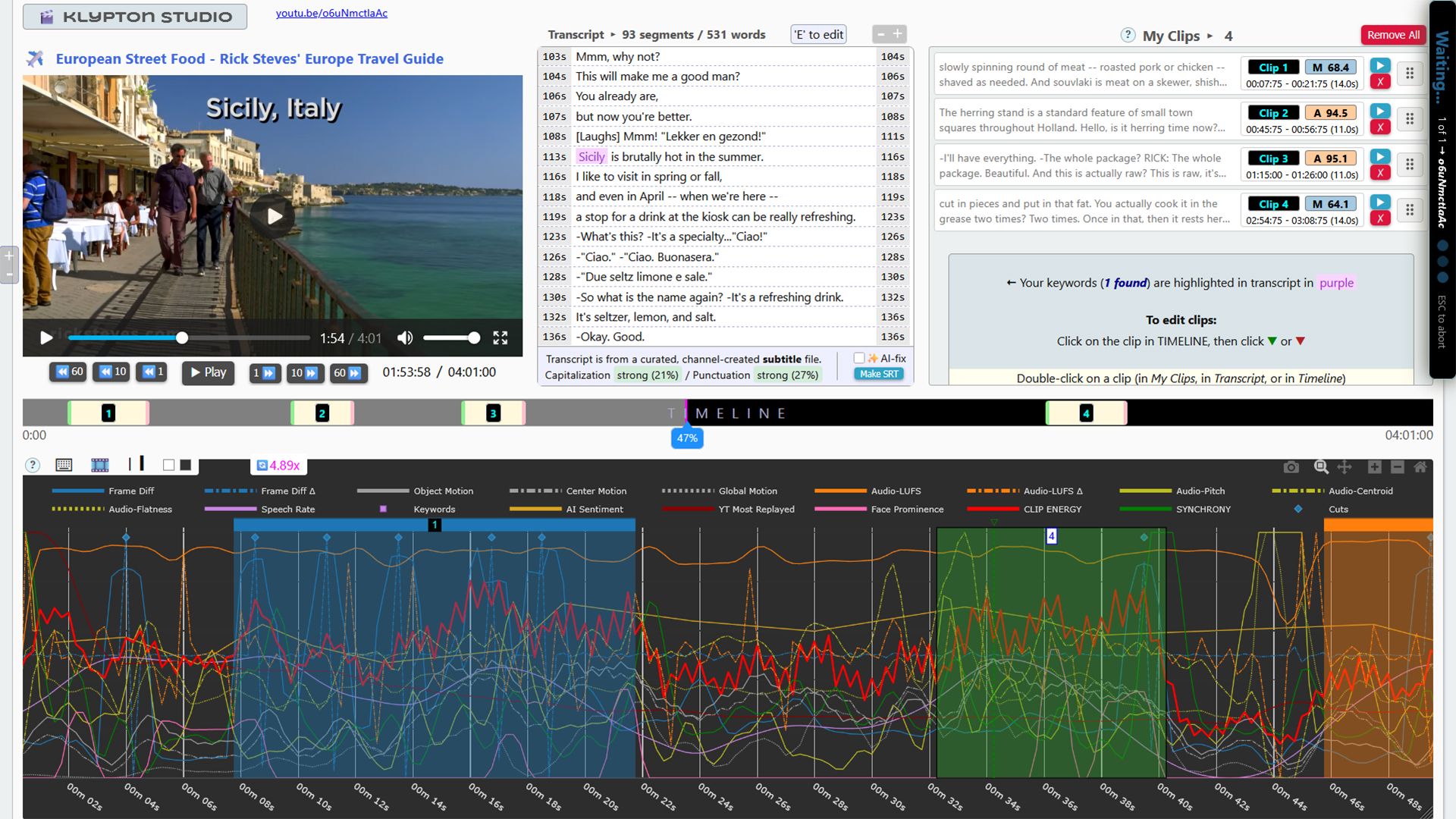
It downloads YouTube videos and creates data-optimized clips — automatically via ✨AI analysis or manually using KLYPTON Studio...

... then outputs your .mp4 clips with text transcripts.

Video & Audio
  • List videos in a YouTube playlist or channel
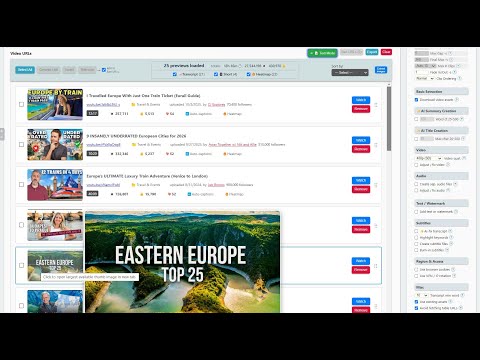
  • Sort videos by likes, follower count, length, date, etc
  • Batch convert YouTube URL links to short form
  • Extract video, audio, and transcript from YT videos
  • Extract audio to MP3 and 7 other audio formats
  • Create SRT subtitle files and 6 other formats
  • Burn-in (hard coded) subtitles to video
  • Find keywords in transcript / get kw density report
  • Fix/enhance video (speed, rotation, brightness...)
  • Fix/enhance audio (normalize audio, remove noise...)
  • Add text or watermark to video
AI & Analysis
  • ✨ AI-keyword clip detection with context awareness
  • ✨ AI-automatic clip detection (no keywords needed)
  • ✨ AI-rewrite video titles with SEO optimization
  • ✨ AI-generate summaries
  • ✨ AI-fix subtitle capitalization & punctuation
  • Analyze clips to reverse-engineer viral settings
  • Create and save custom viral detection profiles
  • Subtitle keyword matching (exact/related/contains)
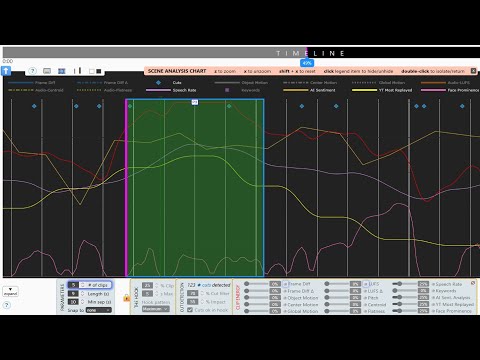
  • Detect scene cuts and transitions
  • Audio and motion detection
  • Process up to 100 videos in a single batch

✨ AI-powered features require OpenAI api key

Create Clips
  • KLYPTON Studio
  • Line-by-line subtitle edit
  • Auto-create clips from:
    • ✨ AI transcript analysis
    • Face prominence detection
    • Speech rate patterns
    • Video motion intensity
    • Object vs. camera motion
    • Audio volume peaks/lows
    • Audio pitch, flatness, brightness
    • Transcript sentence detection
    • YouTube most-replayed graph

contact

A name is required.
A valid email is required.
Please select a category.
A message is required.
Thank you! Your message has been sent.
Error sending message. Please try again.

docs

-
-